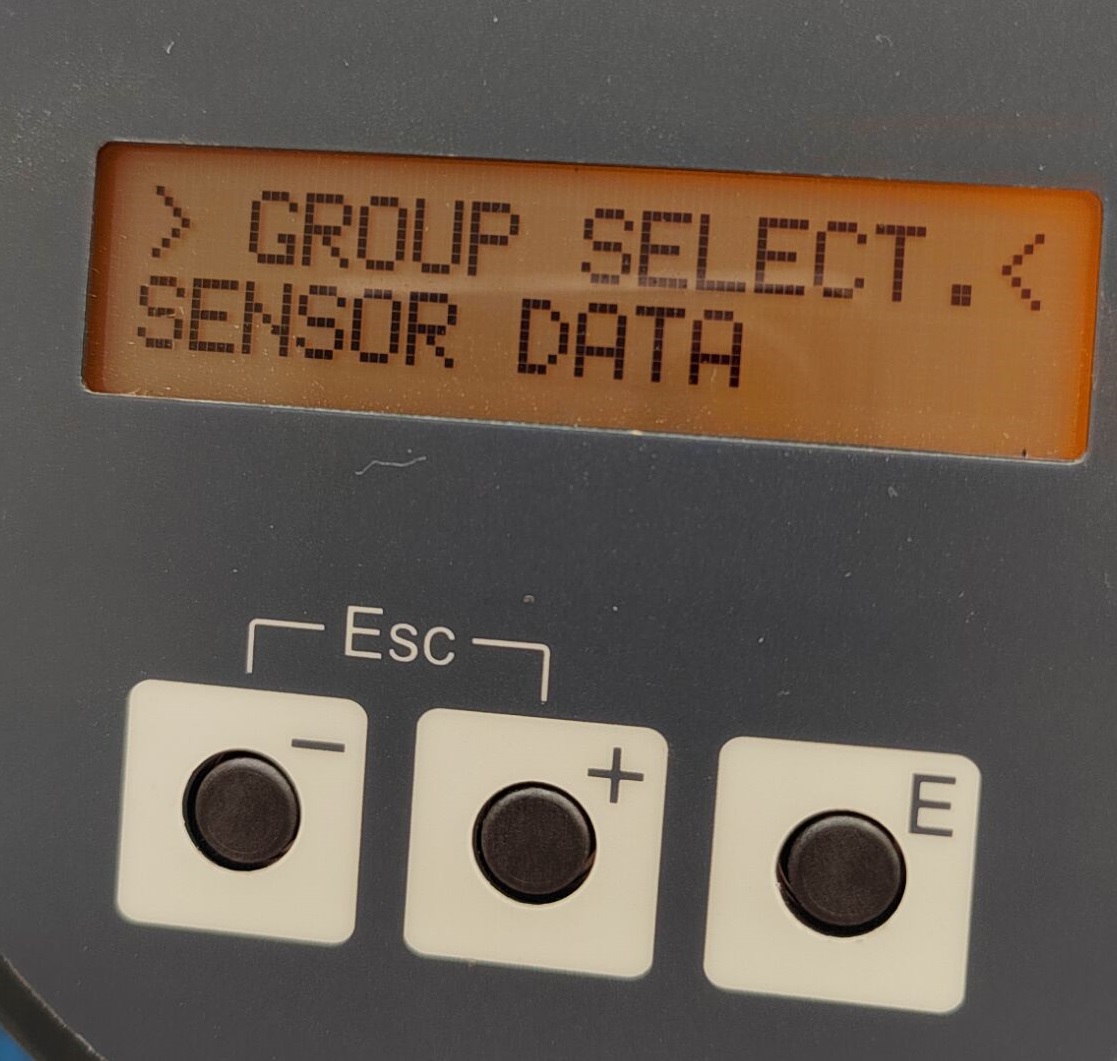
65I Mass Flow Meter Basic Operation Setup
The 65I mass flow meter is a high-precision measuring instrument commonly used in industrial processes. Correct basic operation setup is the prerequisite for ensuring its stable operation and accurate measurement. This article introduces the basic operation setup methods of the 65I step by step, for reference by engineering and technical personnel and procurement personnel.
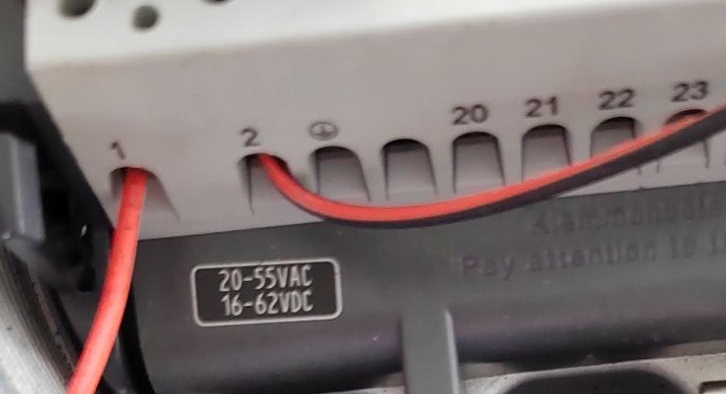
1. Wiring Diagram
Please refer to the voltage requirements marked on the instrument nameplate for wiring. Usually, terminal 1 is connected to the positive pole of the power supply, and terminal 2 is connected to the negative pole of the power supply. Be sure to ensure that the power supply voltage matches the nameplate to avoid damaging the instrument.
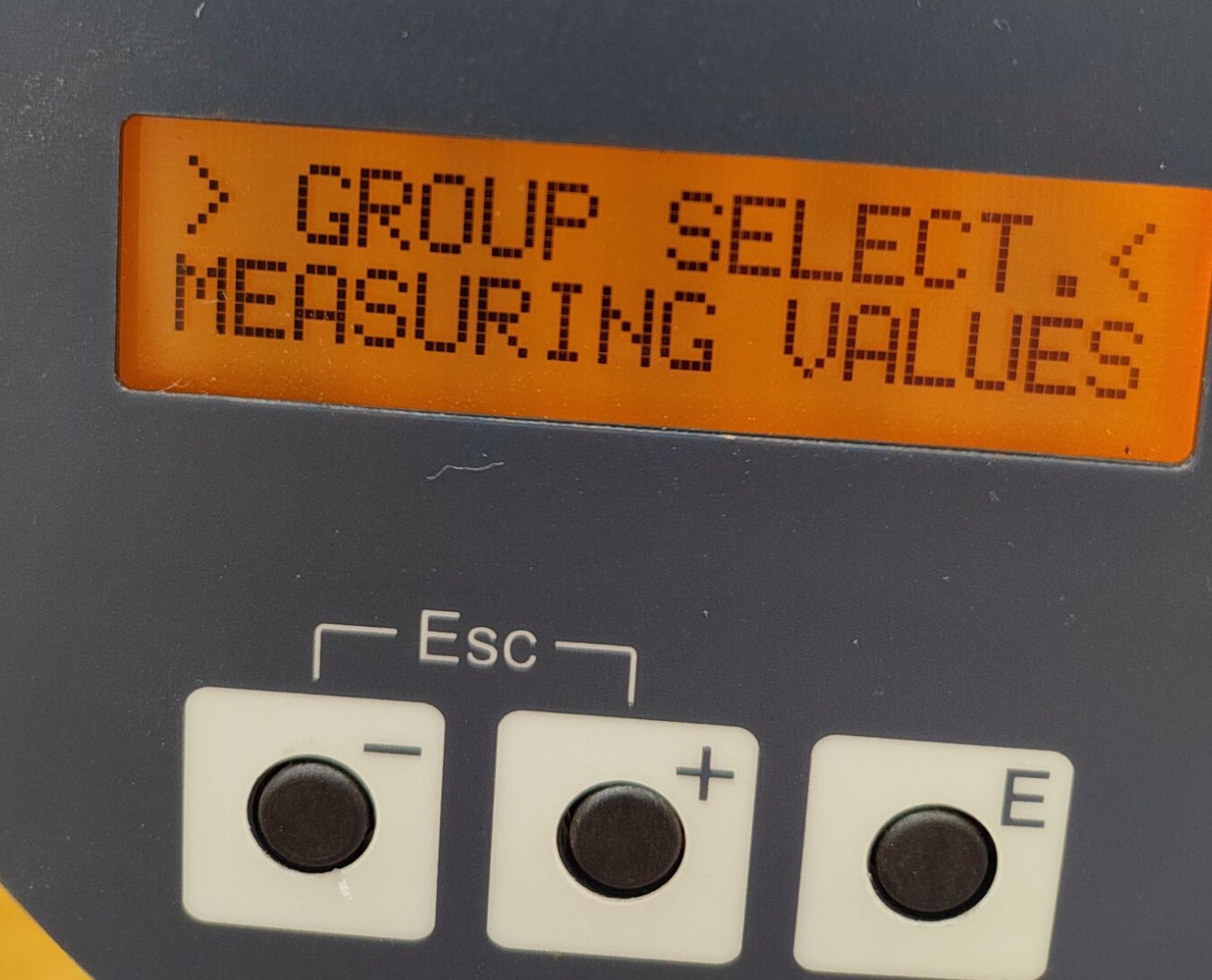
2. Querying Measured Values
In the MEASURING VALUES menu, the following process variables can be queried in real time:
- MASS FLOW: mass flow
- VOLUME FLOW: volume flow
- TEMPERATURE: temperature value
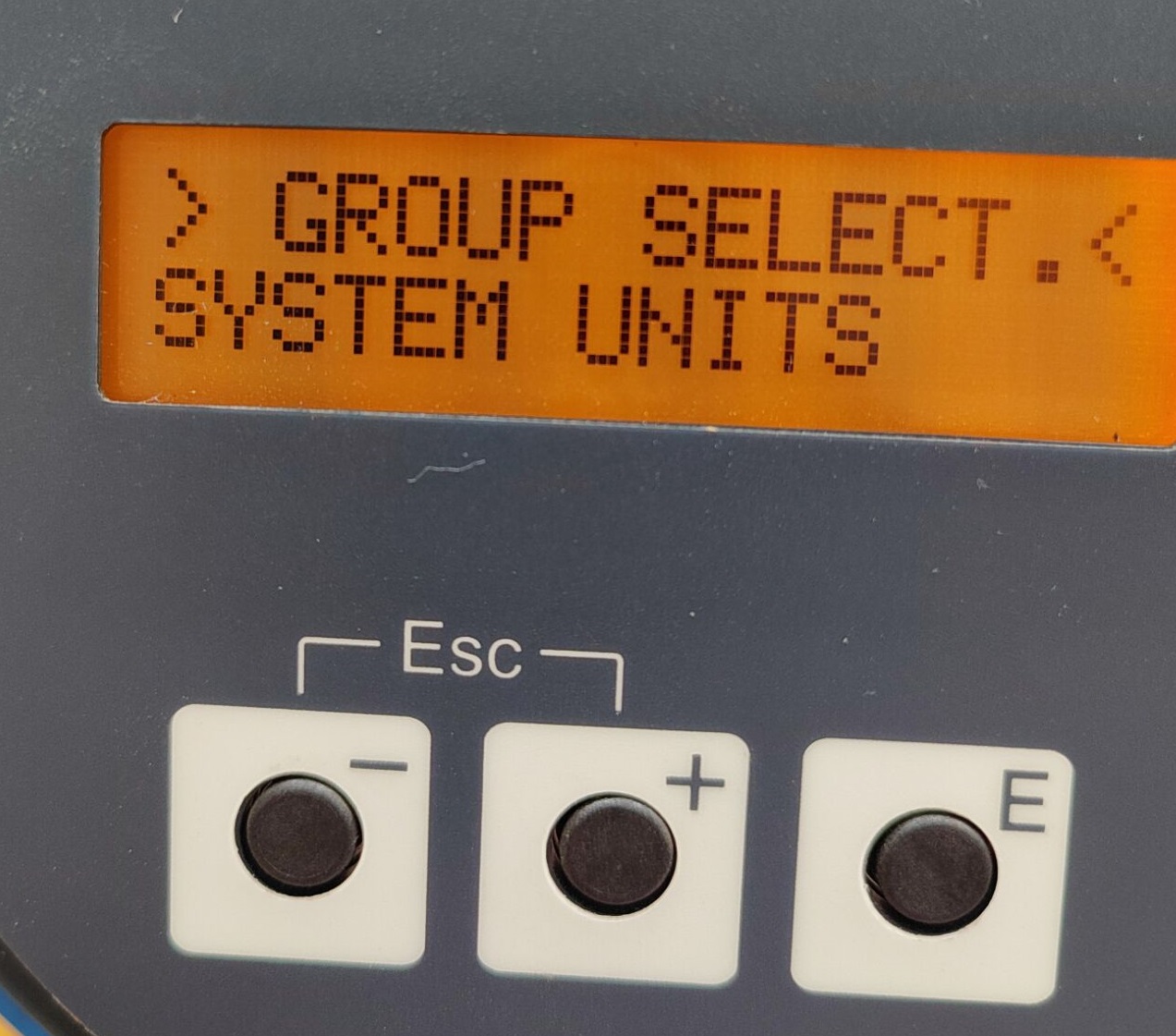
3. Modifying System Units
In the SYSTEM UNITS menu, the units for mass flow, volume flow, temperature, density, pressure, and length can be modified. Before modification, the correct password must be entered to ensure parameter security.
4. Language Settings
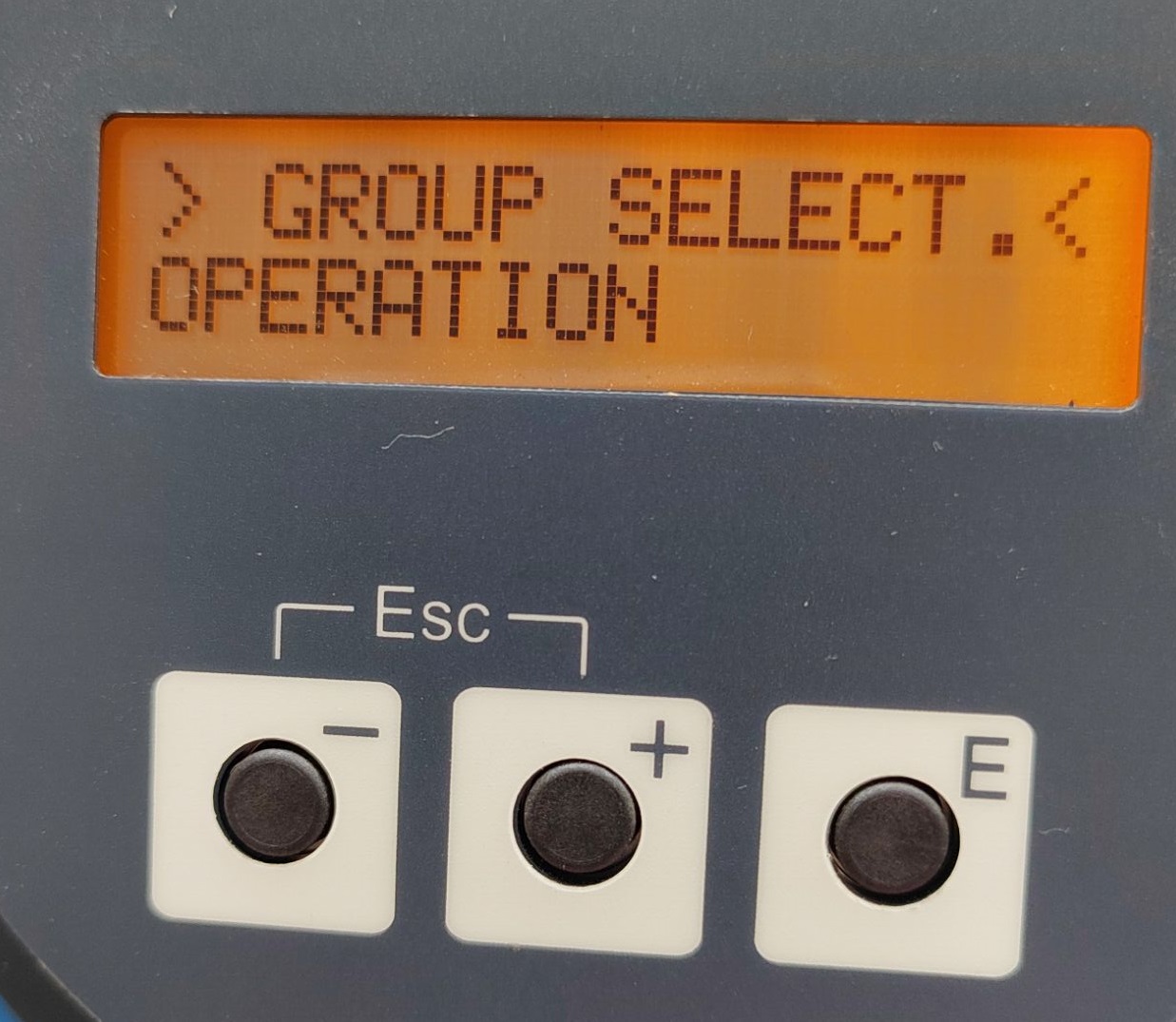
In the OPERATION menu, users can modify the display language as needed, making it convenient for operators in different regions.
5. Totalizer Settings
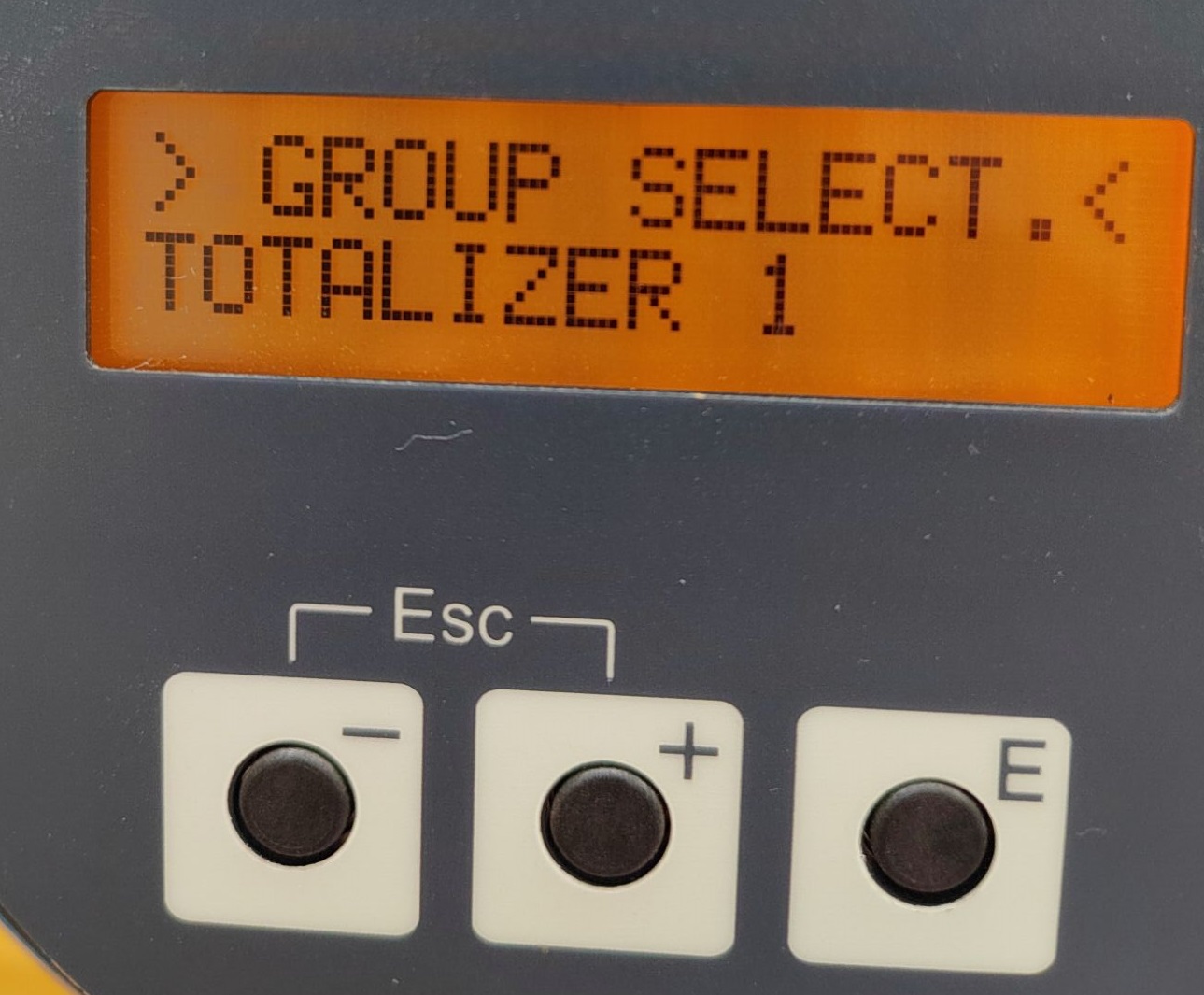
In the TOTALIZER1,2 menu, the totalized values can be viewed. Users can set totalizer 1 or 2 to correspond to mass flow or volume flow to meet different totalization needs.
6. Current Output Configuration
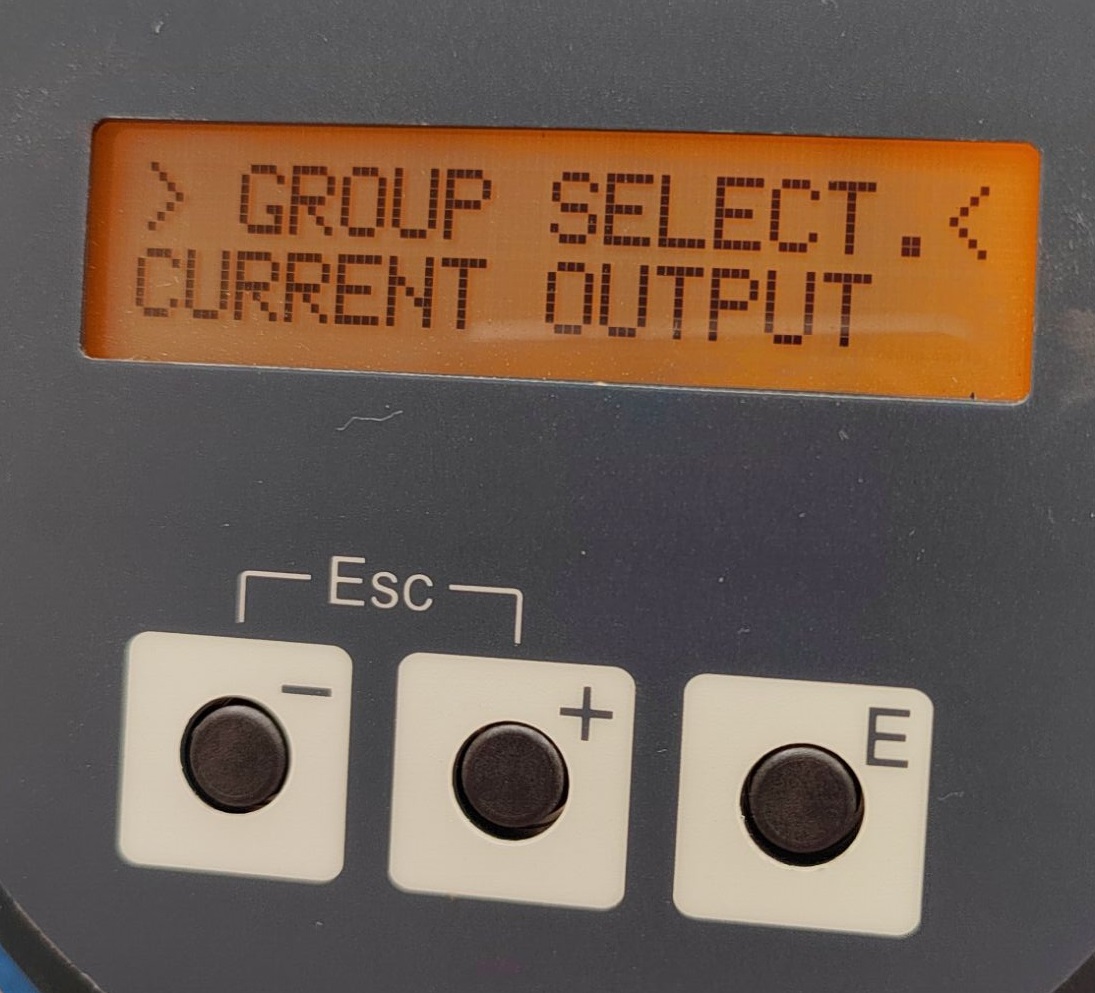
In the CURRENT OUTPUT menu, the current output (4-20) mA can be viewed, and the time constant and flow upper limit can be modified. Users should adjust these parameters according to actual needs.
7. Pulse and Frequency Query
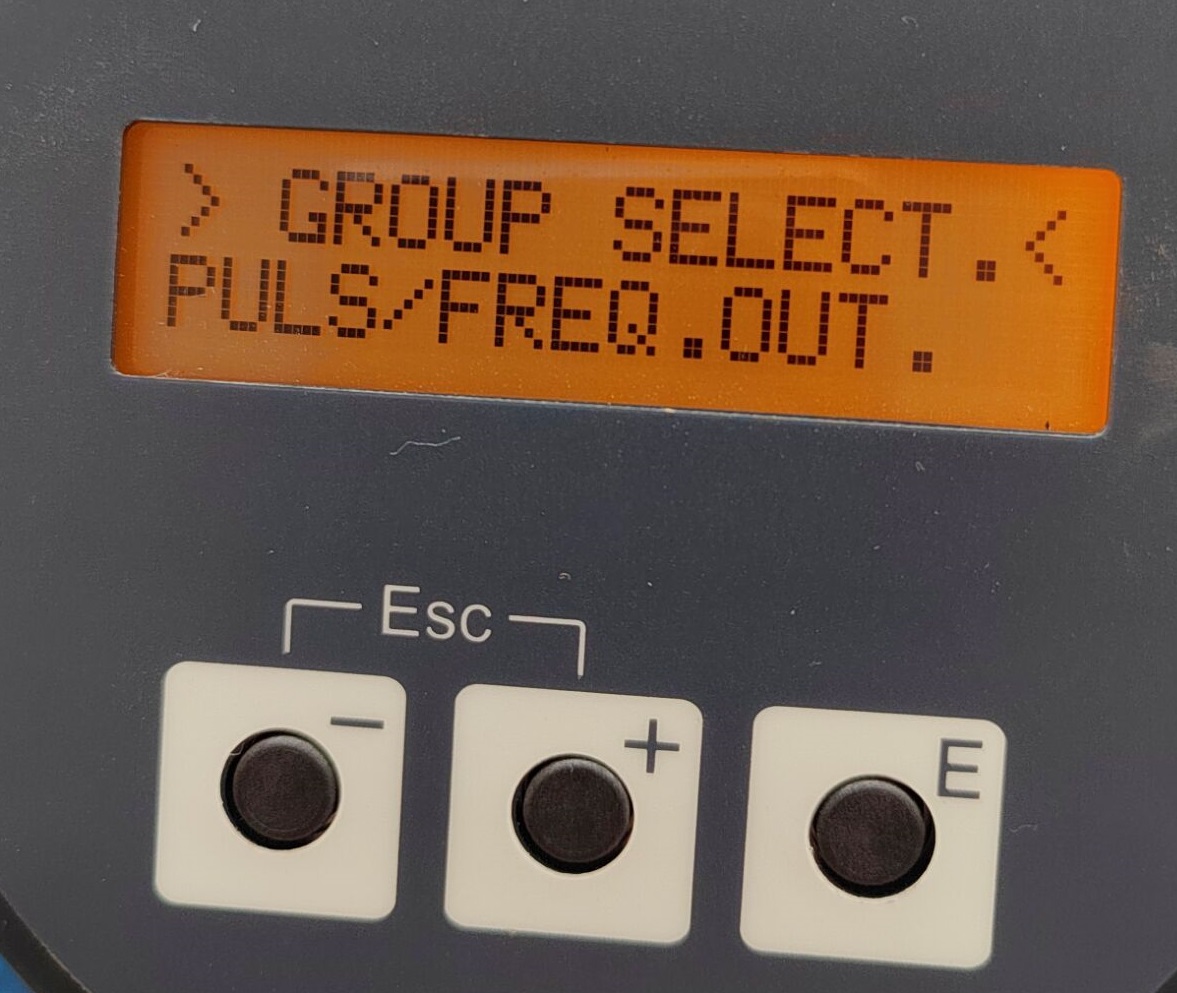
In this interface, the pulse and frequency output information of the flow meter can be queried, facilitating system integration and signal acquisition.
8. Sensor Data Selection
Enter the SENSOR DATA menu to select the sensor type as round tube or rectangular tube. When different shapes are selected, the internal set values will also change accordingly, and the correct selection must be made according to the actual sensor type.