
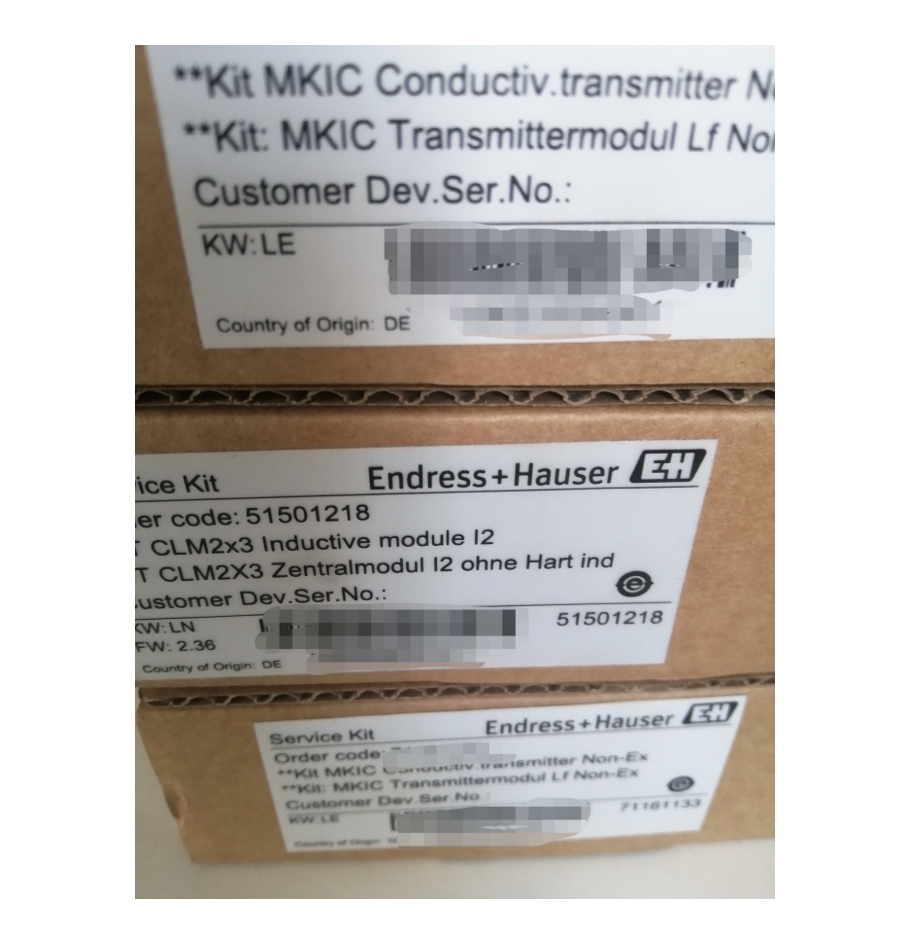
51501218 Transmitter Board Inductive Module Display Overview
The 51501218 transmitter board inductive module display is a commonly used display unit in industrial automation control systems, usually installed at position 50 (corresponding to the 40...91 range). This display is specially designed for transmitter series such as CPM223, CLM223, COM223, and CUM223, and is used to display process parameters and equipment status in real time.
Correct use and maintenance of this display are crucial for ensuring the accuracy and stability of the entire measurement loop. The following sections explain six aspects: use, configuration, replacement, selection, application, and maintenance.
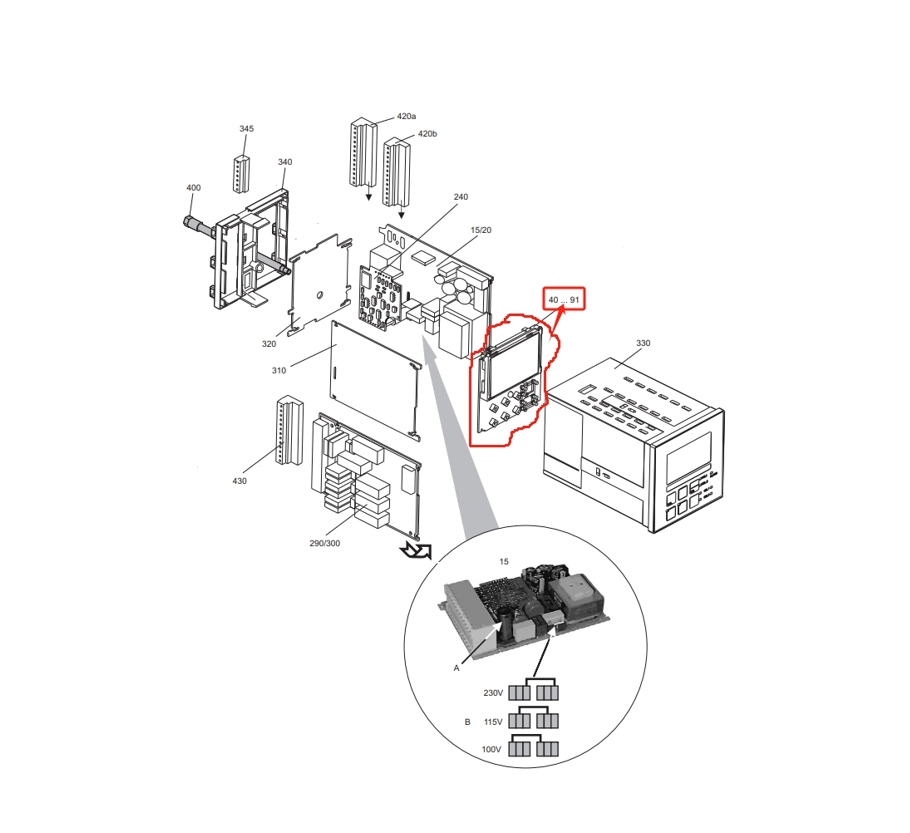
Use, Configuration, and Replacement Guide
1. Correct Use
Before using the display, operators should fully understand its operation methods and functions. Be sure to operate according to the manual or the guidance of professionals to avoid equipment damage or measurement errors caused by incorrect operation.
- Read and understand the safety and operating specifications in the product manual.
- Confirm that the power supply voltage and signal type meet the requirements.
- Avoid plugging or unplugging cables while the power is on.
2. Configuration Points
Select the appropriate display model and specifications according to actual needs and equipment specifications. Ensure that the connection between the display and the transmitter board is stable and reliable to avoid abnormal signal transmission.
- Check whether the interface definitions of the display and transmitter match.
- Check whether the connecting cables are intact and whether the connectors are tightened.
- Use shielded cables when necessary to reduce electromagnetic interference.
3. Replacement Steps
If the display needs to be replaced, choose a product with the same model and specifications as the original display to maintain the overall performance and stability of the equipment. Pay attention to safety during replacement, be sure to turn off the power, and operate according to the manual or the guidance of professionals.
- Turn off the power to the transmitter and display.
- Record the original wiring method and remove the old display.
- Install the new display and connect it according to the original wiring method.
- After checking that there are no errors, power on again and test the display function.
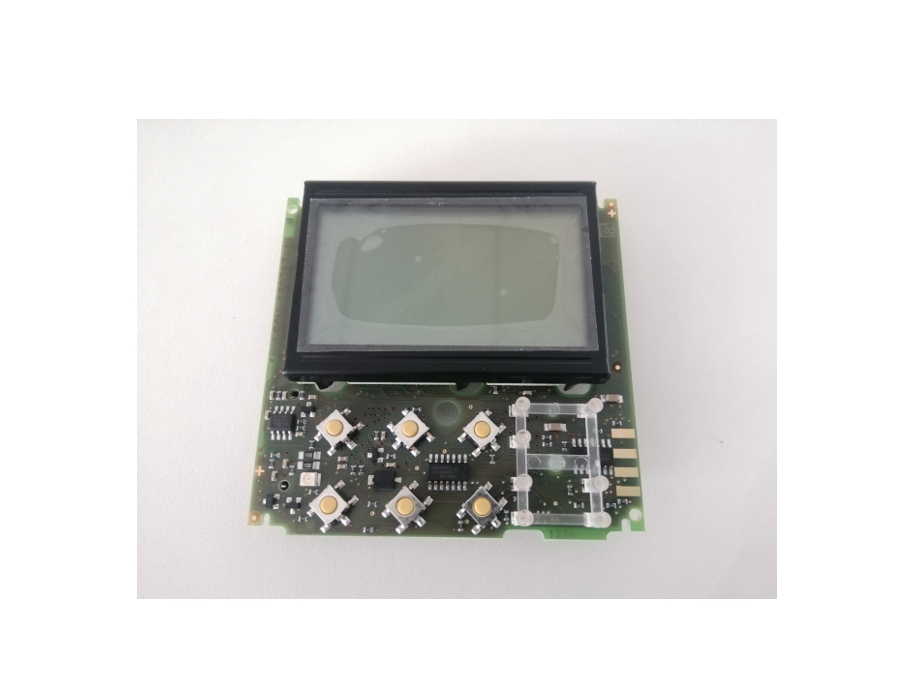
Selection, Application, and Maintenance Precautions
4. Selection Recommendations
When selecting a model, priority should be given to brands and models with a good reputation and stability, while comprehensively considering function, performance, and cost-effectiveness. If there are special requirements, a display that meets the requirements can be customized.
| Selection Factor | Recommendation |
|---|---|
| Compatibility | Confirm compatibility with CPM223/CLM223/COM223/CUM223 |
| Display Type | Choose LCD or LED according to on-site lighting conditions |
| Protection Level | Choose a higher IP rating for humid or dusty environments |
| Brand and After-Sales | Choose a brand with a good reputation and complete technical support |
5. Application Environment Requirements
Install the display in an appropriate location to ensure a good working environment, away from adverse environmental factors such as humidity, high temperature, and magnetic fields. Keep the display clean and dry to avoid the effects of dust and water stains on display performance.
- The installation location should be convenient for observation and operation.
- Avoid direct sunlight or interference from strong light sources.
- Keep away from strong electromagnetic interference sources such as frequency converters and high-power motors.
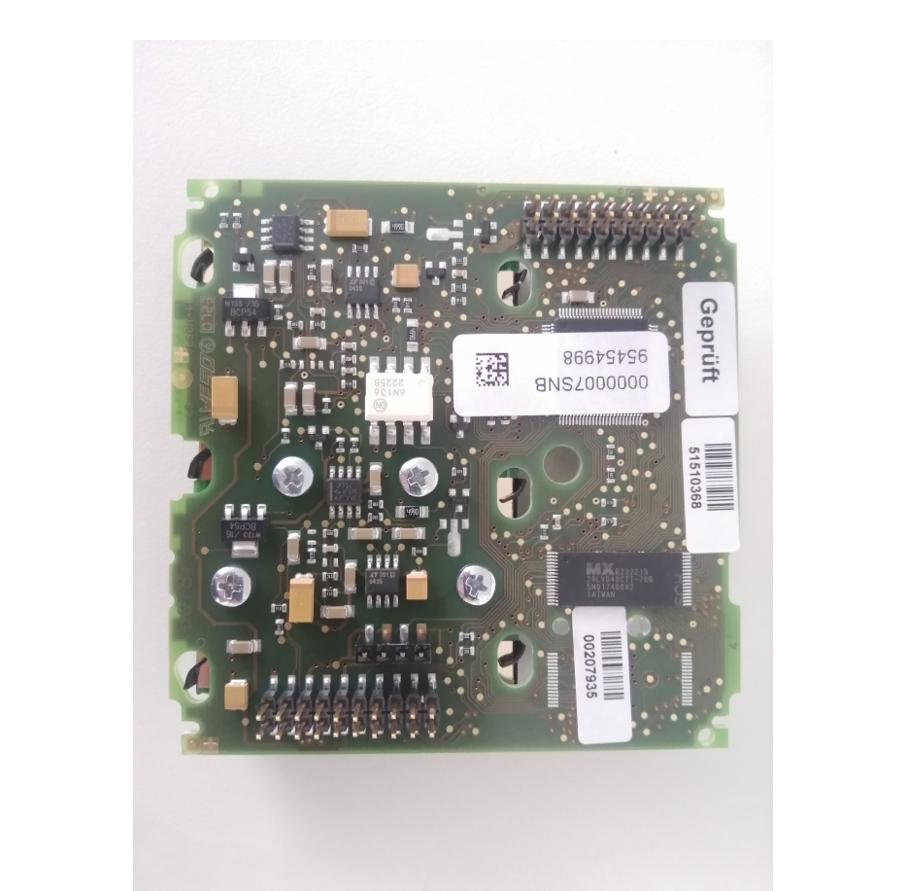
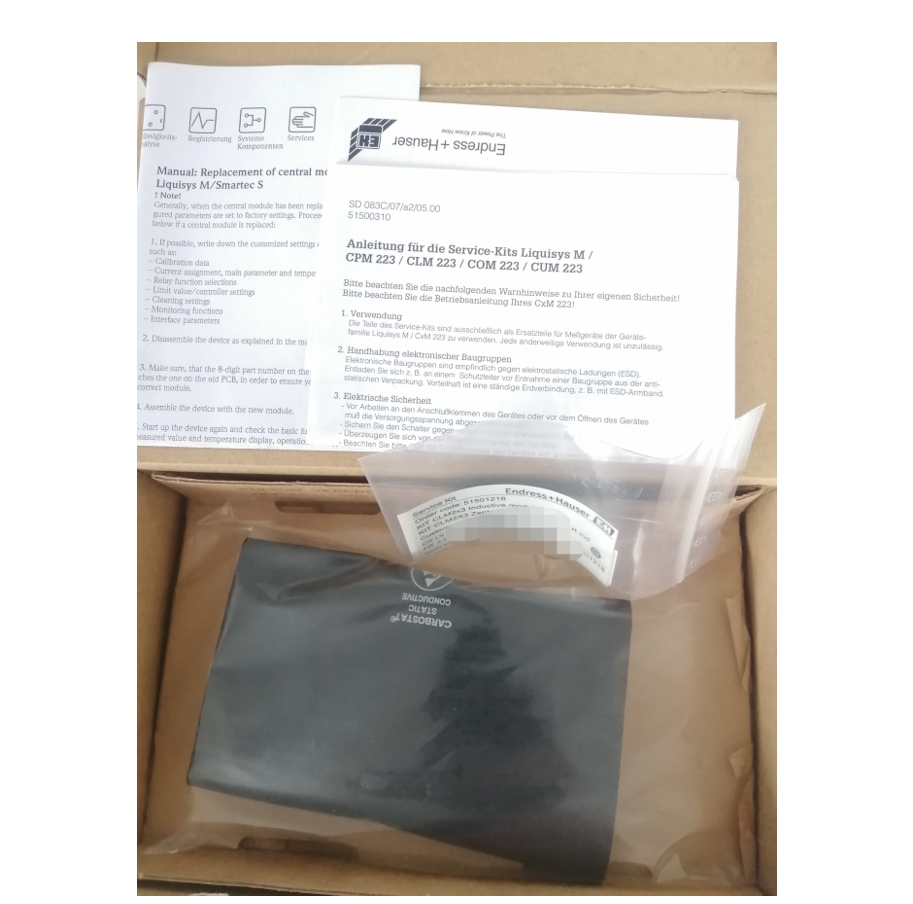
6. Precautions and Maintenance
Regularly check the display effect and appearance of the display to ensure normal operation. If abnormalities are found, handle them promptly or contact professionals for inspection and repair. Avoid using inappropriate cleaning agents or methods to prevent damage to the display surface or internal circuits.
- Check once a month whether the display is clear and whether there are missing segments.
- Check quarterly whether the wiring terminals are loose or oxidized.
- Use a soft dry cloth for cleaning, and use a small amount of neutral cleaner if necessary.
- If abnormal display, flickering, or black screen is found, immediately cut off the power and troubleshoot.
Summary
In order to ensure that the 51501218 transmitter board inductive module display can work normally and stably, users must strictly follow the relevant operating procedures and perform regular maintenance and care. For more information, it is recommended to consult relevant experts or refer to the product manual.
Large stock available, welcome to purchase.