
Common Reasons Why the E+H Query Tool Cannot Be Used
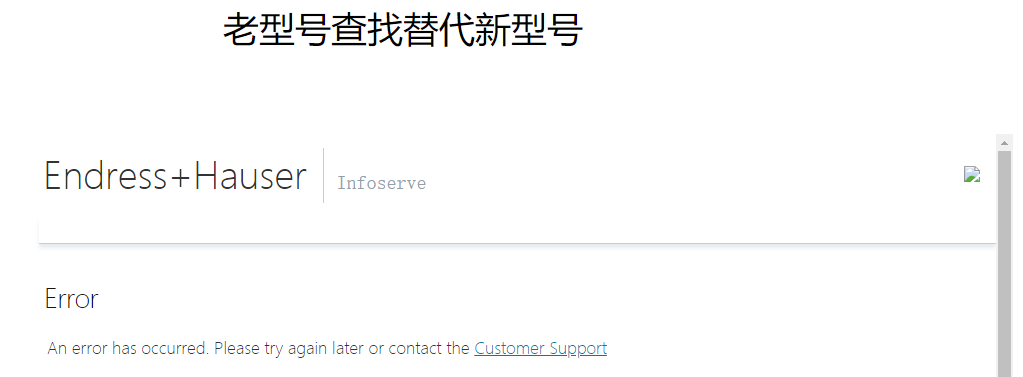
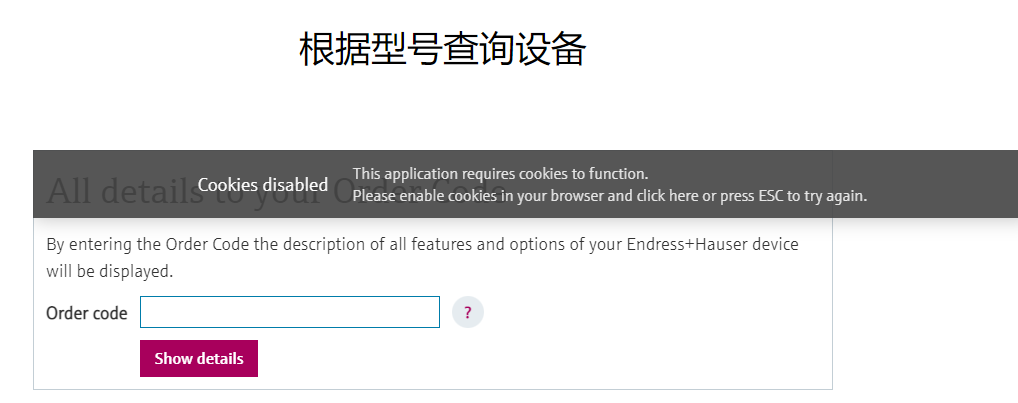
Recently, many users have reported that when using the new Microsoft Edge, Google Chrome, or other new domestic browsers to access the E+H query tool on this site (such as old model replacement search and model parameter query), error prompts appear, preventing normal queries.
This problem is usually caused by stricter SameSite Cookie policies enabled by default after browser upgrades, while some older query tools have not yet adapted to them.
Which Browsers Can Still Work Normally
If you use IE browser or domestic dual-core browsers (such as 360 Browser), the query tool can usually still work normally. However, if you are using the new Microsoft Edge or Google Chrome, you need to follow the steps below to configure it.
Solution: Modify Browser Flags Settings
By adjusting the SameSite policy in the browser's experimental features, this compatibility issue can be temporarily resolved. The specific steps are as follows:
- Open the Flags settings page: In the Microsoft Edge address bar, enter
edge://flags; in the Google Chrome address bar, enterchrome://flags, then press Enter. - Search for the SameSite option: In the search box at the top of the page, enter
sameto find the option shown in the red box in the figure (usually "SameSite by default cookies"), whose default value is Default.
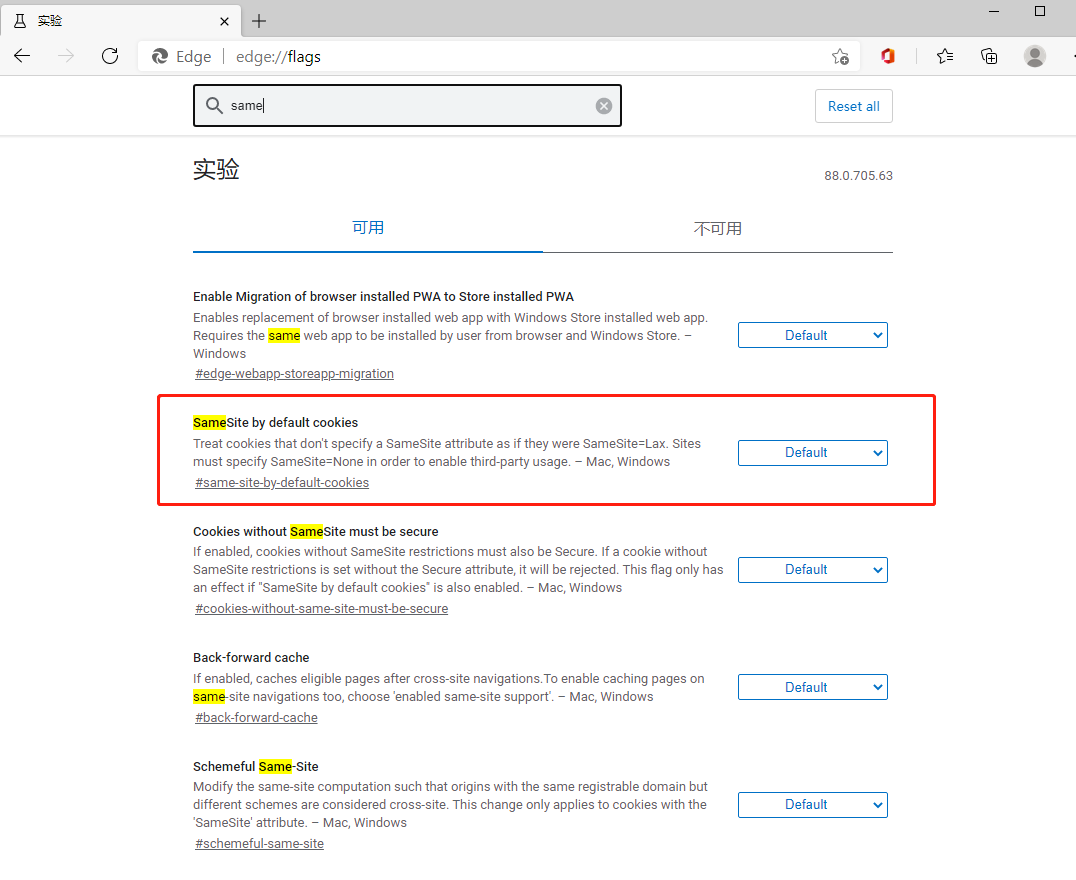
- Modify the option value: Change the value of this option from Default to Disable.
- Restart the browser: Click the "Relaunch" button at the bottom of the page to restart the browser so the setting takes effect.
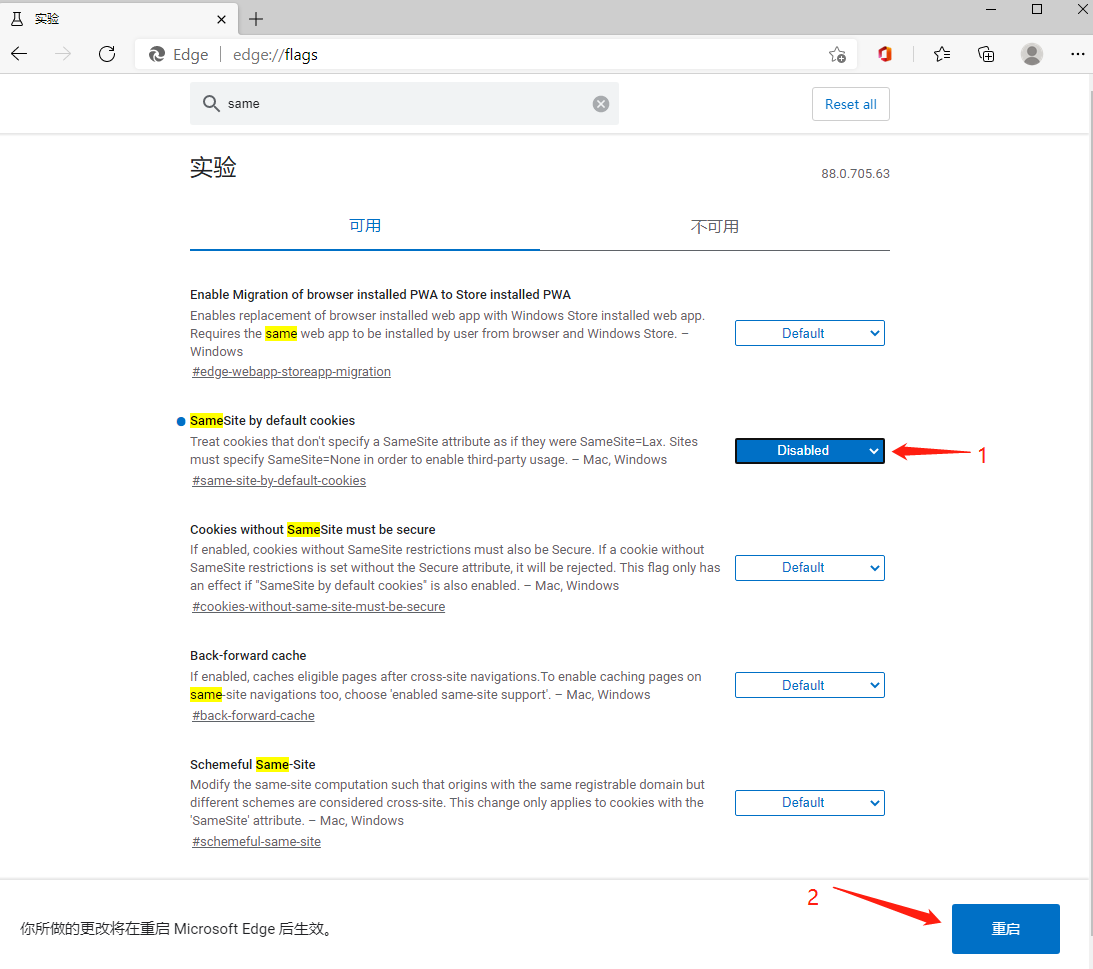
After completing the above steps, revisit the E+H query tool and the problem should be resolved.
Notes and Summary
- This method is suitable for temporarily resolving compatibility issues caused by browser upgrades, but modifying Flags may affect the normal functions of other websites, so it is recommended to adjust it only when needed.
- If the browser is subsequently updated or the query tool is upgraded, it is recommended to restore the setting to Default.
- For enterprise users, consider using a browser with better compatibility or contact the tool provider to obtain an updated version.
(Original by Ayi Technology, please indicate the source when reposting)